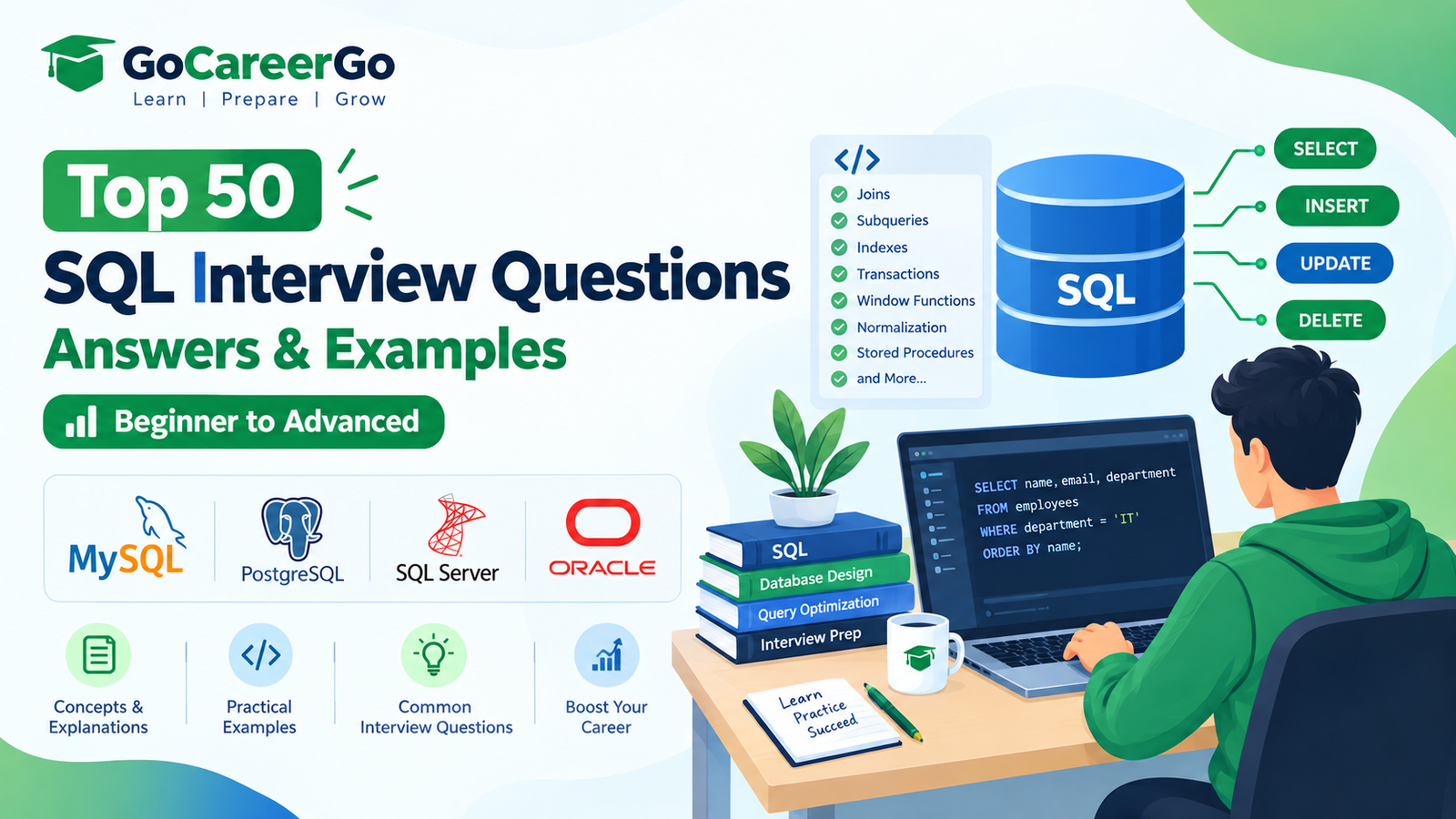
Top 50 SQL Interview Questions with Answers and Examples
SQL (Structured Query Language) is one of the most important skills for software developers, data analysts, database administrators, and backend engineers. Almost every technical interview includes SQL questions because databases are used in nearly every modern application.
This guide covers the top 50 SQL interview questions with simple explanations and practical examples to help you prepare for interviews confidently.
1. What is SQL?
Answer:
SQL (Structured Query Language) is used to communicate with relational databases. It helps create, retrieve, update, and delete data.
Example:
SELECT * FROM employees;
2. What is a Database?
Answer:
A database is an organized collection of related data stored electronically.
Examples:
- Student Database
- Employee Database
- Hospital Database
- School ERP Database
3. What is DBMS?
Answer:
DBMS (Database Management System) is software used to create and manage databases.
Examples:
- MySQL
- PostgreSQL
- Oracle
- SQL Server
4. Difference Between DBMS and RDBMS
DBMS
RDBMS
Stores data
Stores data in tables
No relationships
Supports relationships
Less secure
More secure
Examples: File System
MySQL, PostgreSQL
5. What is a Table?
A table stores related information in rows and columns.
Example:
ID
Name
Salary
1
Rahul
50000
2
Amit
60000
6. What is a Primary Key?
A Primary Key uniquely identifies every record.
CREATE TABLE Employee( id INT PRIMARY KEY, name VARCHAR(100) );
7. What is a Foreign Key?
A Foreign Key creates relationships between tables.
FOREIGN KEY (department_id) REFERENCES Department(id)
8. What is a Candidate Key?
A candidate key is a column that can uniquely identify records.
Example:
- Employee ID
9. What is a Composite Key?
A key formed by multiple columns.
Example:
StudentID + CourseID
10. What is Normalization?
Normalization reduces data redundancy and improves database design.
Normal Forms:
- 1NF
- 2NF
- 3NF
- BCNF
11. What is Denormalization?
Denormalization combines tables to improve read performance.
12. Difference Between DELETE, TRUNCATE, and DROP
DELETE
TRUNCATE
DROP
Deletes rows
Removes all rows
Deletes table
Can rollback
Cannot rollback (depends on DB)
Removes structure
WHERE allowed
No WHERE
Table removed
13. Difference Between CHAR and VARCHAR
CHAR
- Fixed length
VARCHAR
- Variable length
- Saves storage
14. What is NULL?
NULL means the value is unknown or missing.
15. What is UNIQUE Constraint?
Ensures duplicate values are not allowed.
16. What is NOT NULL?
Prevents NULL values.
17. What is DEFAULT Constraint?
Assigns a default value.
salary INT DEFAULT 25000;
18. What is CHECK Constraint?
Validates inserted values.
CHECK(age>=18)
19. What is INDEX?
Indexes improve query performance.
20. Clustered vs Non-Clustered Index
Clustered:
- Sorts actual data
Non-Clustered:
- Separate index structure
21. What is SELECT?
Retrieve data.
SELECT * FROM Employee;
22. WHERE Clause
Filters records.
SELECT * FROM Employee WHERE salary > 50000;
23. ORDER BY
Sorts results.
ORDER BY salary DESC;
24. GROUP BY
Groups similar records.
SELECT department, COUNT(*) FROM Employee GROUP BY department;
25. HAVING Clause
Filters grouped data.
HAVING COUNT(*) > 5;
26. What is JOIN?
JOIN combines data from multiple tables.
27. Types of JOIN
- INNER JOIN
- LEFT JOIN
- RIGHT JOIN
- FULL OUTER JOIN
- CROSS JOIN
- SELF JOIN
28. INNER JOIN Example
SELECT * FROM Employee e JOIN Department d ON e.dept_id=d.id;
29. LEFT JOIN
Returns all records from the left table.
30. RIGHT JOIN
Returns all records from the right table.
31. FULL OUTER JOIN
Returns matching and non-matching rows.
32. CROSS JOIN
Returns Cartesian Product.
33. SELF JOIN
Joins a table with itself.
34. What is UNION?
Combines result sets and removes duplicates.
35. UNION ALL
Returns all records including duplicates.
36. Difference Between UNION and UNION ALL
UNION removes duplicates.
UNION ALL keeps duplicates.
37. What is a View?
A virtual table created from SQL queries.
38. What is a Stored Procedure?
Reusable SQL program stored in the database.
39. What is a Trigger?
Automatically executes when events occur.
Example:
- INSERT
- UPDATE
- DELETE
40. What is a Transaction?
A transaction is a group of SQL operations executed together.
Properties:
- Commit
- Rollback
41. What are ACID Properties?
- Atomicity
- Consistency
- Isolation
- Durability
42. What is Commit?
Saves changes permanently.
COMMIT;
43. What is Rollback?
Undoes changes.
ROLLBACK;
44. What is a Subquery?
A query inside another query.
Example:
SELECT * FROM Employee WHERE salary > ( SELECT AVG(salary) FROM Employee );
45. What is a CTE (Common Table Expression)?
A temporary named result set that improves query readability and supports recursive queries.
46. What are Window Functions?
Window functions perform calculations across related rows without grouping them into a single result.
Common examples:
ROW_NUMBER()RANK()DENSE_RANK()LAG()LEAD()
47. What is the Difference Between RANK() and DENSE_RANK()?
- RANK() skips ranking numbers after ties.
- DENSE_RANK() does not skip ranking numbers after ties.
48. How Do You Optimize SQL Queries?
Best practices:
- Create indexes on frequently searched columns.
- Avoid using
SELECT *. - Filter data early with
WHERE. - Use proper joins.
- Analyze query execution plans.
- Normalize data appropriately.
- Limit returned rows when possible.
49. What are Common SQL Aggregate Functions?
Aggregate functions perform calculations on multiple rows.
Examples:
COUNT()SUM()AVG()MIN()MAX()
Example:
SELECT AVG(salary) FROM Employee;
50. Explain SQL Injection and How to Prevent It
SQL Injection is a security vulnerability where attackers manipulate SQL queries by inserting malicious input.
Prevention:
- Use prepared statements or parameterized queries.
- Validate and sanitize user input.
- Apply least-privilege database permissions.
- Avoid building SQL queries by concatenating user input.
SQL Interview Tips
- Practice writing SQL queries daily.
- Understand joins thoroughly.
- Learn normalization and indexing.
- Be comfortable with aggregate functions.
- Practice subqueries and CTEs.
- Understand transactions and ACID properties.
- Solve SQL problems on coding platforms.
- Learn basic query optimization techniques.
Who Should Learn SQL?
SQL is valuable for:
- Software Developers
- Backend Engineers
- Java Developers
- Python Developers
- Data Analysts
- Data Engineers
- Database Administrators
- Business Intelligence Professionals
- Freshers Preparing for Campus Placements
Conclusion
SQL is one of the most essential technical skills in software development and data-related careers. Mastering SQL fundamentals, joins, transactions, indexing, and query optimization will significantly improve your interview performance and help you build efficient database-driven applications.
Practice these questions with real databases like MySQL or PostgreSQL, write queries regularly, and strengthen your understanding through hands-on projects. Consistent practice is the key to succeeding in SQL interviews.