Why Use an Online PDF Merger?
Many users need to merge PDFs for:
- Job applications
- College admissions
- Government forms
- Bank documentation
- School assignments
- Project reports
- Office documents
- Legal paperwork
Instead of sending multiple files, combine everything into one professional PDF.
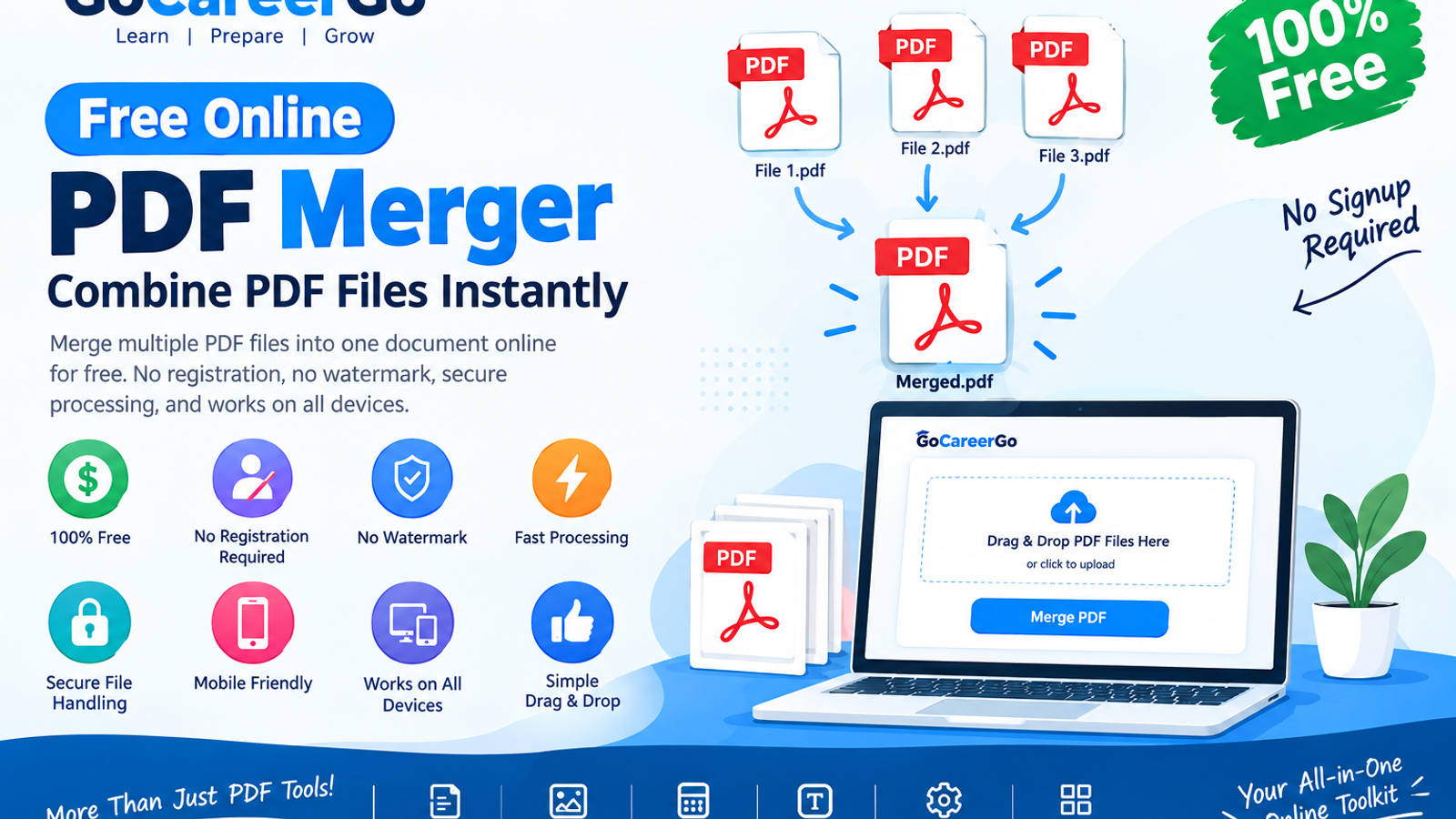
Features of GoCareerGo PDF Merger
✔ Completely Free
✔ No Registration Required
✔ No Watermark
✔ Fast Processing
✔ Secure File Handling
✔ Mobile Friendly
✔ Works on Windows, Mac, Android & iPhone
✔ Simple Drag & Drop Interface
How to Merge PDF Files
Step 1:
Open the GoCareerGo PDF Merger.
Step 2:
Upload two or more PDF files.
Step 3:
Arrange the files in your preferred order.
Step 4:
Click Merge PDF.
Step 5:
Download your merged PDF instantly.
The entire process usually takes less than a minute.
Who Can Use This Tool?
Our PDF merger is useful for:
- Students
- Teachers
- Government Job Aspirants
- Office Employees
- HR Professionals
- Business Owners
- Freelancers
- Lawyers
- Accountants
Is It Safe?
Yes.
Your files are processed securely, and we do not permanently store your uploaded documents. Your privacy is our priority.
Benefits of Using GoCareerGo Tools
Unlike many online PDF websites, GoCareerGo offers:
- Fast performance
- Easy-to-use interface
- No software installation
- No account creation
- Completely browser-based tools
- Regular updates
Other Free Tools Available
GoCareerGo also provides:
- PDF Splitter
- PDF Compressor
- Image Compressor
- Passport Size Photo Maker
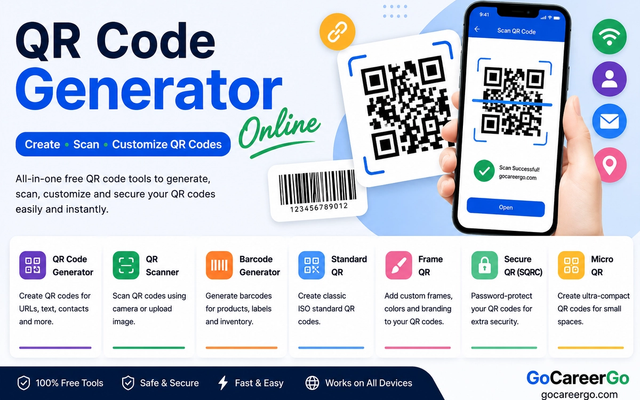
- QR Code Generator
- Barcode Generator
- Age Calculator
- EMI Calculator
- Text Case Converter
- Word Counter
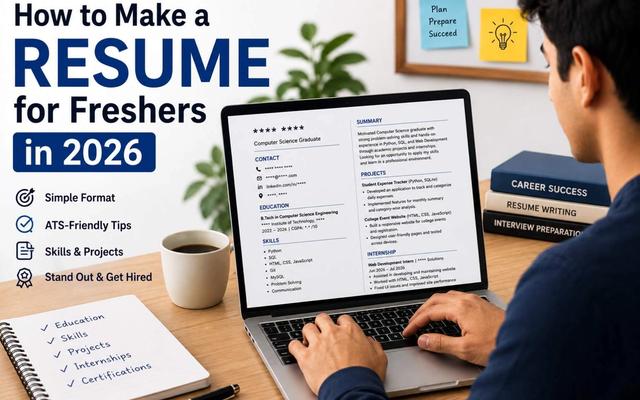
- Resume Builder
- Interview Preparation Tools
Frequently Asked Questions
Is the PDF Merger free?
Yes, it is 100% free.
Do I need to create an account?
No. You can merge PDFs without signing up.
Does it work on mobile?
Yes. The tool works perfectly on Android and iPhone.
Is there a file size limit?
Large files are supported, although processing time depends on your internet connection and device.
Will my files be stored?
No. Your uploaded files are processed securely and are not permanently stored.
Final Thoughts
If you're looking for a fast, secure, and free way to merge PDF files online, the GoCareerGo PDF Merger is the perfect solution. Whether you're a student, job seeker, or working professional, our tool helps you combine documents quickly without installing any software.
Start merging your PDFs today and explore many more free productivity tools available on GoCareerGo.
https://gocareergo.com/tools