QR Code Generator Online: Create, Scan and Customize QR Codes for Free
QR codes are now used everywhere—from websites and business cards to restaurants, product packaging, events, and digital marketing. They provide a quick way to connect physical materials with digital information.
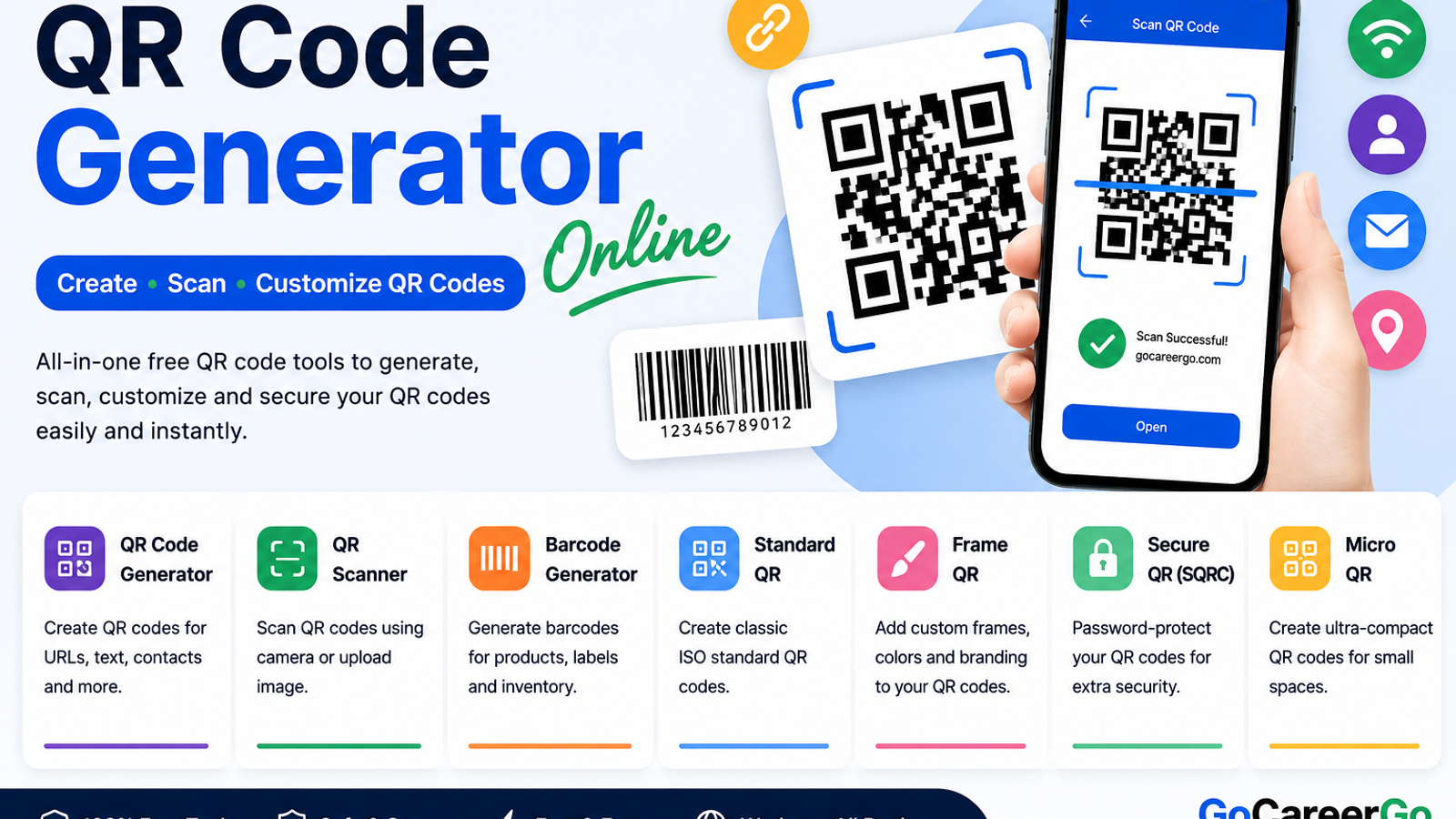
If you are looking for a free QR code generator online, QR scanner, barcode generator, or customized QR code tool, GoCareerGo provides a collection of easy-to-use QR tools in one place.
What Is a QR Code?
A QR code, or Quick Response code, is a two-dimensional barcode that can store information such as website URLs, text, contact details, Wi-Fi information, and other types of data.
A smartphone camera or QR scanner can read the code and provide access to the information stored inside it.
QR codes are commonly used for:
- Website links
- Contact information
- Wi-Fi access
- Digital menus
- Business cards
- Product information
- Event details
- Marketing campaigns
- Social media profiles
- App and website links
Free QR Code Generator Online
Need to create a QR code quickly?
Use the QR Code Generator to create QR codes online for your supported information.
A QR code generator can be useful for businesses, students, marketers, restaurants, event organizers, and anyone who needs to share information quickly.
You can use QR codes on:
- Posters
- Flyers
- Business cards
- Product packaging
- Restaurant menus
- Presentations
- Marketing materials
- Websites
QR Scanner Online
Already have a QR code and want to find out what it contains?
Use the QR Scanner to scan a QR code using your device camera or an uploaded image.
QR scanning can help you quickly access URLs, text, contact information, and other supported data.
Always check the destination before opening an unfamiliar QR code or website.
Barcode Generator
QR codes are not the only type of machine-readable code.
If you need to create a barcode for products, labels, inventory, or other applications, try the Barcode Generator.
Barcode generators can be useful for:
- Product identification
- Inventory management
- Retail products
- Product labels
- Packaging
- Business operations
Standard QR Code
For general-purpose QR codes, a standard QR code is often the simplest option.
The Standard QR tool is designed for creating classic QR codes suitable for common applications.
Standard QR codes can be used for:
- Websites
- Text
- Contact details
- Business cards
- Menus
- Posters
- Flyers
If compatibility and simplicity are your main priorities, a standard QR code is a good choice.
Customized Frame QR Code
Want your QR code to look more attractive?
The Frame QR tool lets you create QR codes with customized frames, colors, and branding elements.
Customized QR codes can be useful for:
- Business branding
- Marketing campaigns
- Restaurant menus
- Event invitations
- Product packaging
- Promotional posters
- Business cards
A customized QR code can make your marketing material more visually appealing while keeping the QR code functional.
Secure QR Code
Some information may need additional protection.
The Secure QR tool is designed for password-protected and encrypted QR code use cases.
Secure QR codes may be useful for confidential information, private data, or situations where you want an additional protection layer.
However, highly sensitive information should always be handled using appropriate security practices rather than relying on a QR code alone.
Micro QR Code
A Micro QR Code is designed for situations where space is limited.
The Micro QR tool can be useful when you need a compact QR code for applications such as:
- Small product labels
- Tiny tags
- Compact packaging
- Electronic components
- Limited-space applications
If a regular QR code takes up too much space, a Micro QR code may be a better option depending on your use case.
Which QR Tool Should You Use?
Different QR tools are useful for different purposes.
Your Requirement
Recommended Tool
Create a QR code
QR Code Generator
Scan an existing QR code
QR Scanner
Create product barcodes
Barcode Generator
Create a classic QR code
Standard QR
Add frames and branding
Frame QR
Protect QR information
Secure QR
Create compact QR codes
Micro QR
You can explore all available QR tools on the GoCareerGo QR Tools page.
How to Create a QR Code Online
Creating a QR code is simple.
Step 1: Choose a QR Tool
Select the tool based on what you want to create.
For a general QR code, use the QR Code Generator.
Step 2: Enter Your Information
Enter the information you want to encode, such as a URL, text, contact information, or another supported format.
Step 3: Generate the QR Code
Generate your QR code using the online tool.
Step 4: Test the QR Code
Scan the generated QR code with a smartphone or QR scanner before sharing or printing it.
Step 5: Share or Print
Once you confirm that it works correctly, you can use it on your website, business card, poster, packaging, menu, or other materials.
Where Are QR Codes Used?
QR codes have many practical applications.
Restaurants
Restaurants can use QR codes for digital menus, ordering pages, promotions, and customer information.
Businesses
Businesses can use QR codes to share websites, contact details, social media pages, forms, and promotional content.
Marketing
QR codes can connect offline advertising with online landing pages, campaigns, offers, and other digital content.
Events
Event organizers can use QR codes for registration pages, event information, tickets, maps, and schedules.
Product Packaging
Manufacturers can place QR codes on packaging to provide customers with additional product information.
Education
Teachers and educational organizations can use QR codes to share websites, documents, videos, forms, and learning resources.
QR Code vs Barcode
QR codes and traditional barcodes are both machine-readable, but they have different uses.
Traditional barcodes commonly use parallel lines and are widely used for products and inventory.
QR codes use a two-dimensional pattern and can store different types of information, including URLs, text, and contact details.
If you need to create a traditional barcode, use the Barcode Generator.
If you want to share a website or other digital information, a QR code may be more suitable.
Tips for Creating a Scannable QR Code
A QR code should be easy for smartphones and scanners to read.
Use Good Contrast
Make sure there is enough contrast between the QR code and its background.
Test Before Printing
Always test your QR code before printing a large number of copies.
Avoid Making It Too Small
Extremely small QR codes can be difficult to scan, especially when printed.
Use a Clean Background
Avoid placing a QR code over a busy image or background.
Check the Destination
If the QR code points to a website, make sure the destination URL works correctly.
Are QR Codes Free to Create?
Basic QR code creation can be done using free online QR code tools.
However, some third-party services may charge for additional features such as dynamic QR codes, analytics, campaigns, or hosted landing pages.
For simple QR code creation and scanning, an online QR tool can be a convenient option.
Frequently Asked Questions
What is a QR code generator?
A QR code generator is an online tool that converts information such as a URL, text, or contact details into a scannable QR code.
Can I scan a QR code online?
Yes. You can use the QR Scanner to scan supported QR codes using a camera or uploaded image.
Can I create a barcode online?
Yes. You can use the Barcode Generator to create supported barcode formats.
What is a Micro QR code?
A Micro QR code is a compact QR code designed for applications where available space is limited.
What is a Frame QR code?
A Frame QR code allows additional visual customization such as frames, colors, and branding elements.
Are QR codes safe?
QR codes themselves simply encode information, but they can direct users to potentially unsafe websites. Always verify the destination before opening an unfamiliar QR code.
Can businesses use QR codes?
Yes. Businesses can use QR codes for websites, menus, contact information, marketing campaigns, events, product information, and customer engagement.
Explore Free QR Tools
GoCareerGo provides multiple QR-related tools for different needs.
- QR Code Generator – Create QR codes online.
- QR Scanner – Scan QR codes from a camera or image.
- Barcode Generator – Create barcodes online.
- Standard QR – Create standard QR codes.
- Frame QR – Create customized QR codes.
- Secure QR – Create protected QR codes.
- Micro QR – Create compact QR codes.
Explore the complete QR Tools collection to find the right tool for your needs.
Conclusion
QR codes make it easy to connect physical and digital information. Whether you need to create a QR code, scan an existing code, generate a barcode, customize a QR design, protect QR information, or create a compact Micro QR code, the right online tool can make the process quick and convenient.
Explore the free GoCareerGo QR Tools and choose the tool that fits your requirements.